 Visolabs Web Services
Custom internal web systems, dashboards & portals
Structured Digital Systems
Visolabs Web Services
Custom internal web systems, dashboards & portals
Structured Digital Systems
What kind of system is your business really operating on?
Before building business web systems, we ask better questions. Visolabs helps businesses move from scattered communication, manual follow-up, and disconnected data into clear web-based systems that fit how work actually moves.
Three questions that reveal where your system is breaking.

We study your business to understand its web needs
We talk with your team, map your workflows, and uncover where communication and processes are breaking—so we know exactly what the system needs to solve.
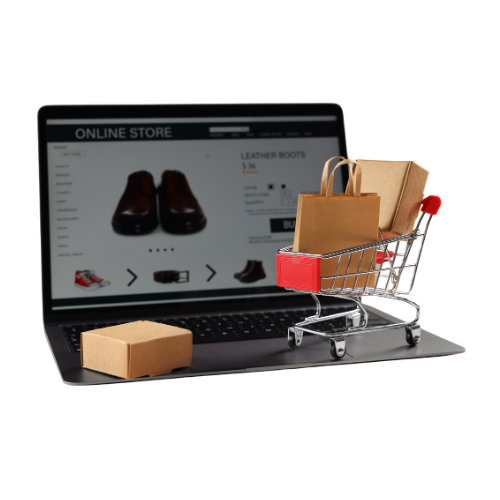
We build a customized web system to fit your exact business structure
We design and develop a tailored web app or internal system—dashboards, portals, automations— that match how your teams, customers, and data actually move.

We deploy and train your team to use the system in daily operations
We launch the system, onboard your staff, and run practical training sessions so your team knows exactly how to use it in real work—not just in theory.

We stick around with monthly system care, upgrades, and maintenance
We continue as your technical partner—monitoring, supporting, and improving the system as your business grows and your processes evolve.
Visolabs Projects
A sample of internal systems, portals, and web apps we’ve shipped for clients.
Project overview
Rappot gives your business a simple QR CODE customers can scan to rate your service, leave suggestions, report complaints, and even continue direct to whatsapp. You then see everything clearly inside one dashboard.